
Micro & short dramas,
written and rendered by genre.
Pick a genre and a trope, write a short scene, cast it from a bench of characters and sets, and render a vertical episode with spoken lines.
Genres
Ten genres, forty tropes
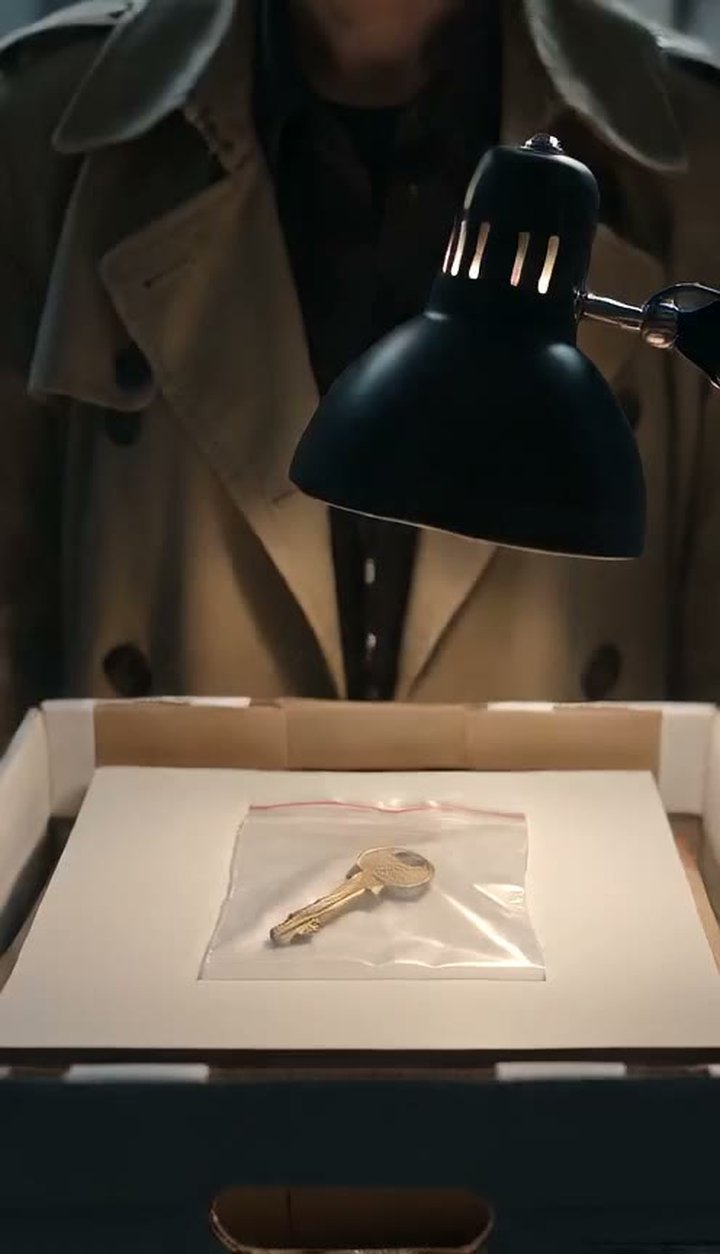
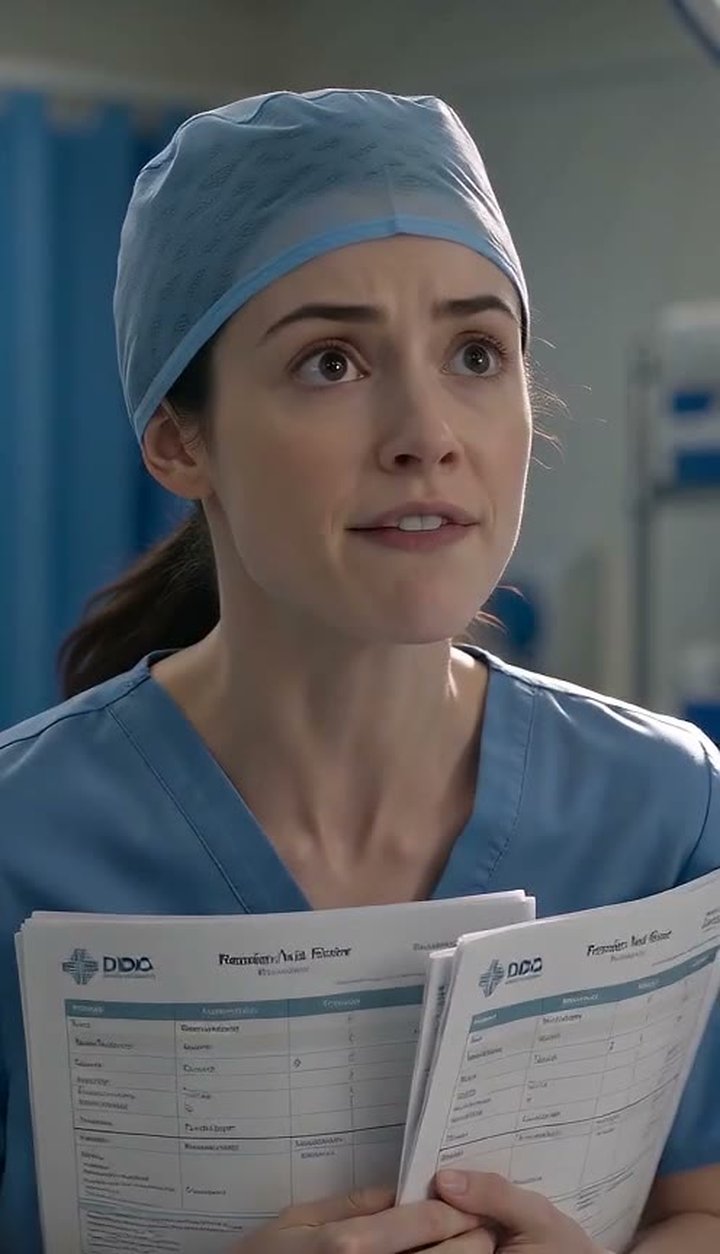
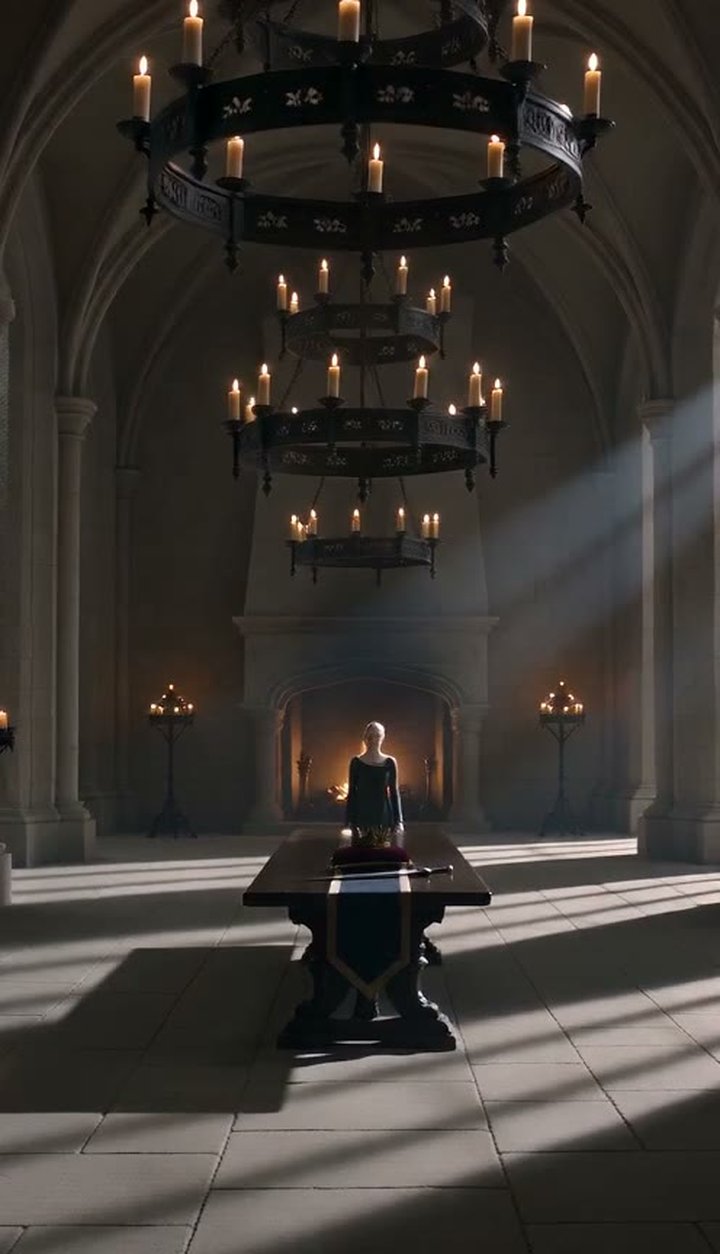
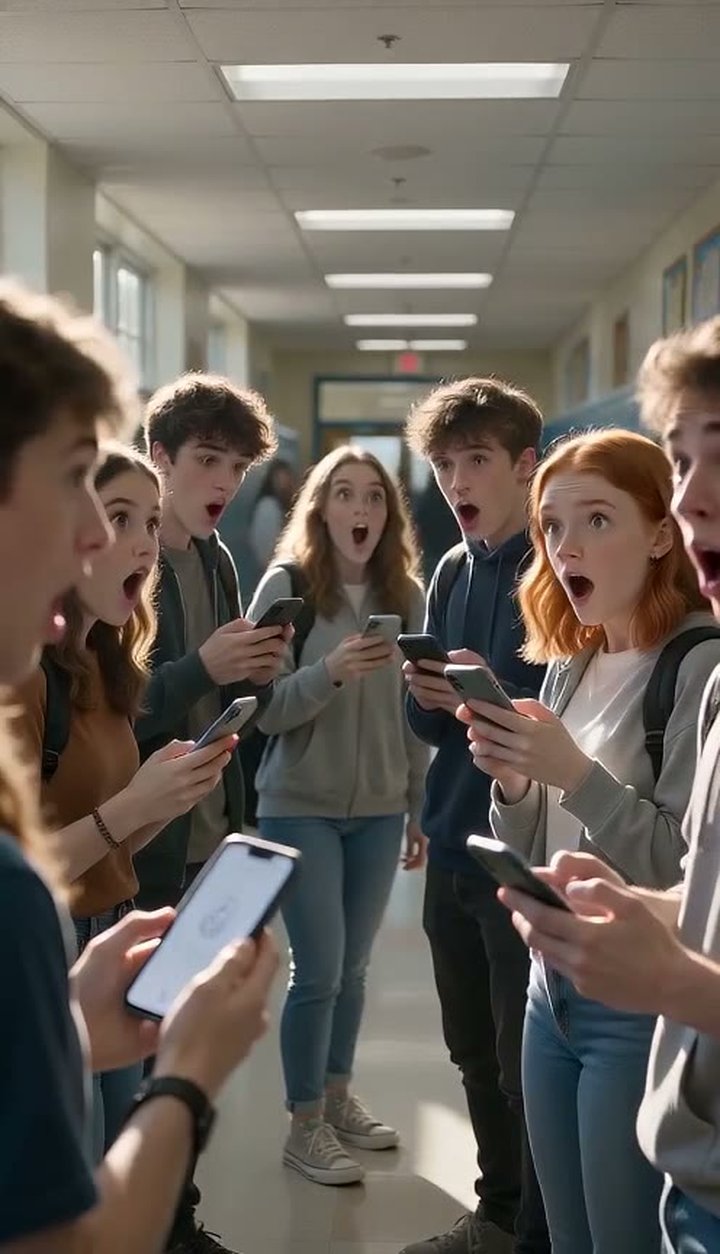
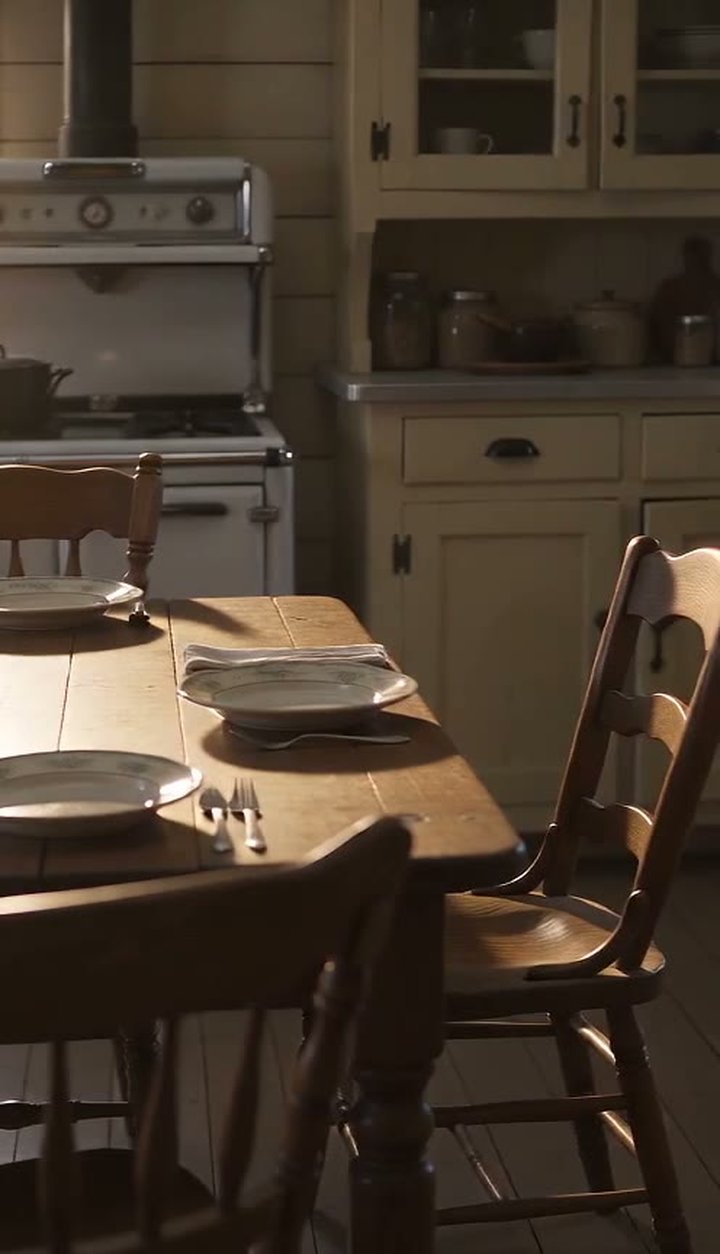
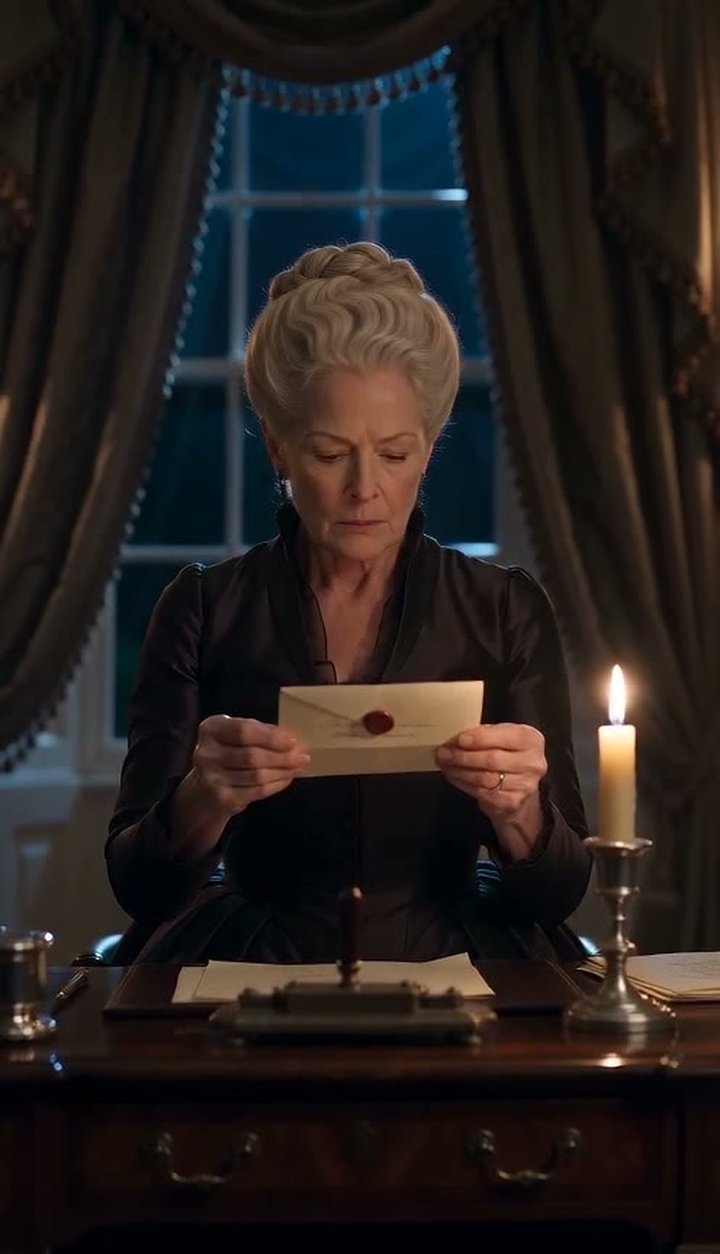
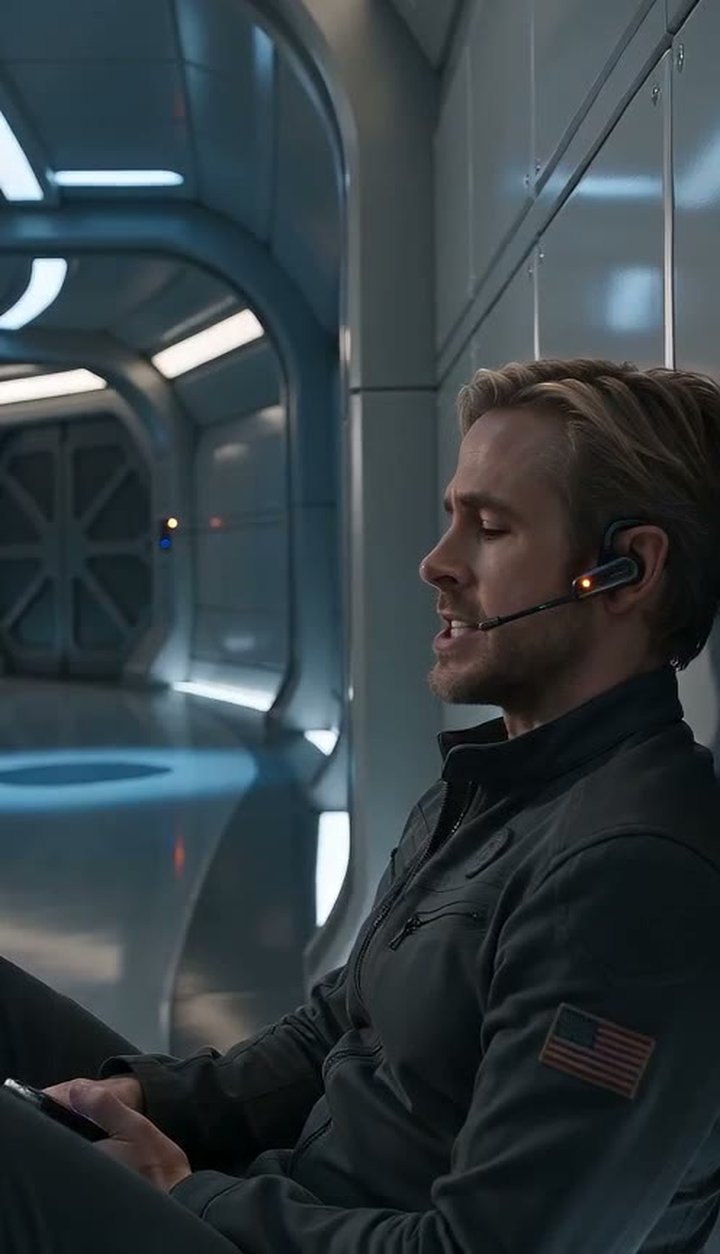
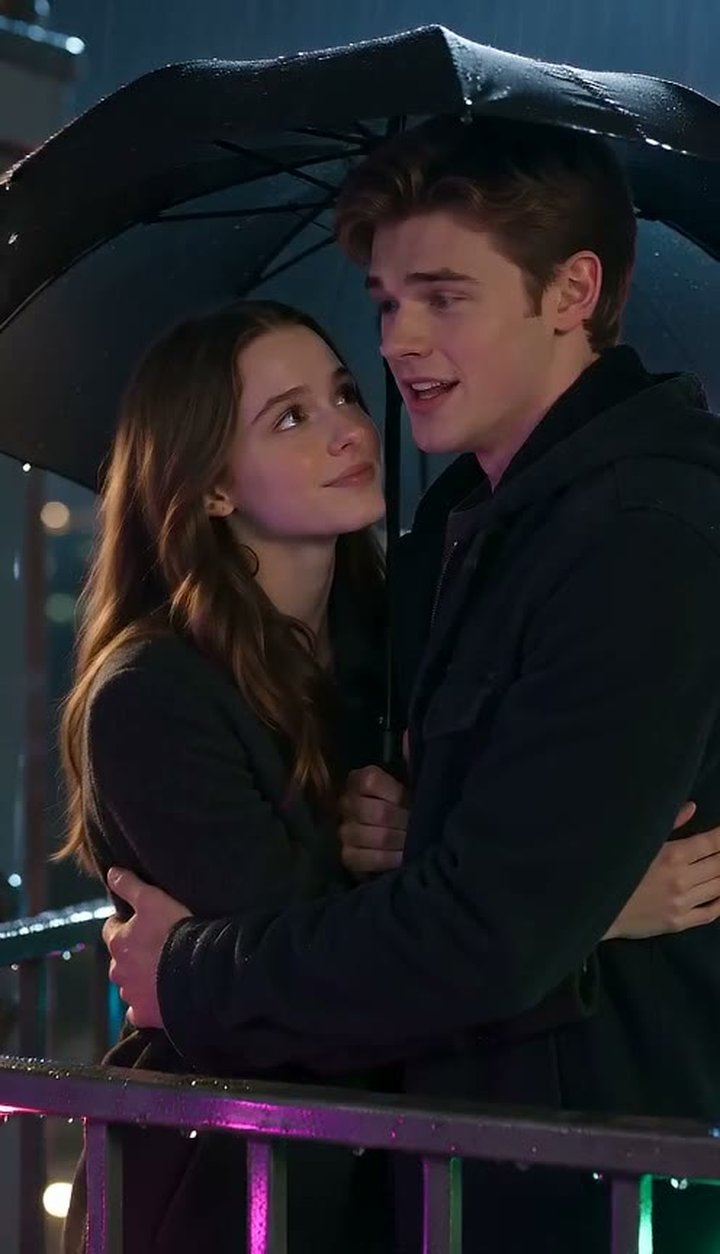
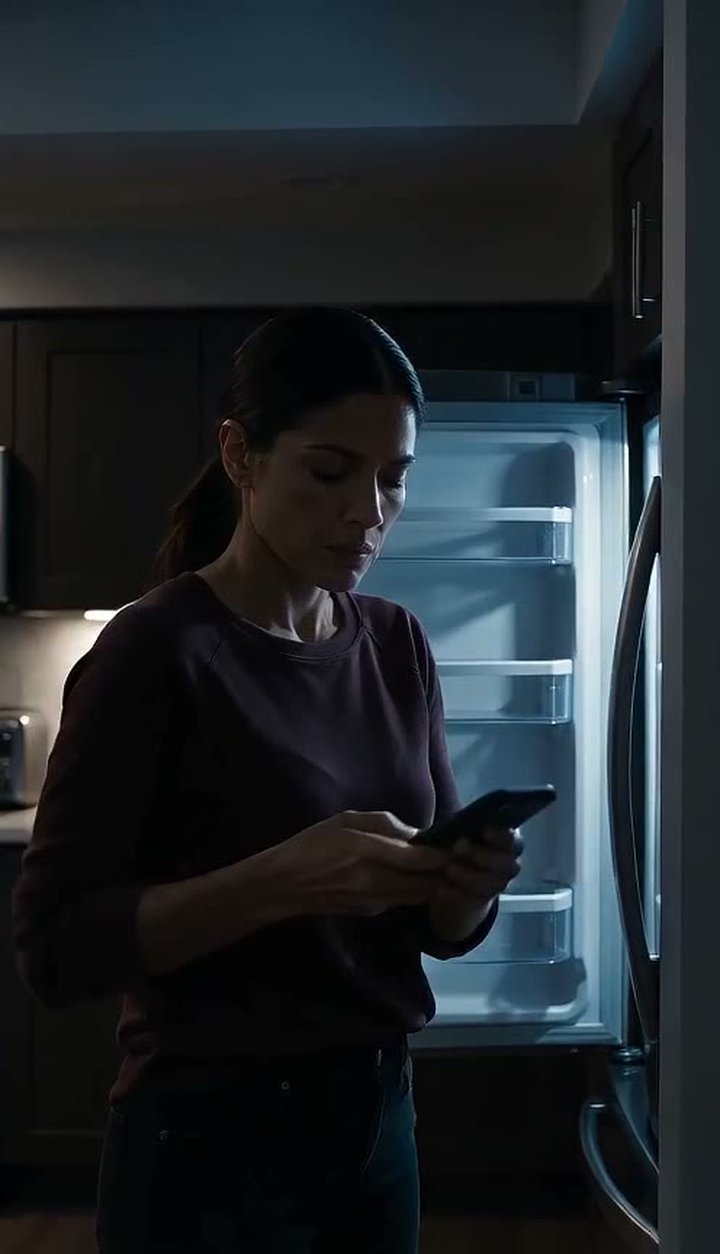
Each genre page tells you how that kind of scene is lit, how fast it moves and how people talk. Each trope is a three-beat shape to write toward.
How it works
Four steps from a genre to a finished take
- 01
Choose the shelf
Ten genres, four tropes each. Picking one sets the lighting, the pacing and the way people talk before you type a word.
- 02
Write the scene
A hundred words is plenty: one location, up to three characters, a few spoken lines in quotes. Write the light and the pace into the first line; the genre pages show you how.
- 03
Cast it from the bench
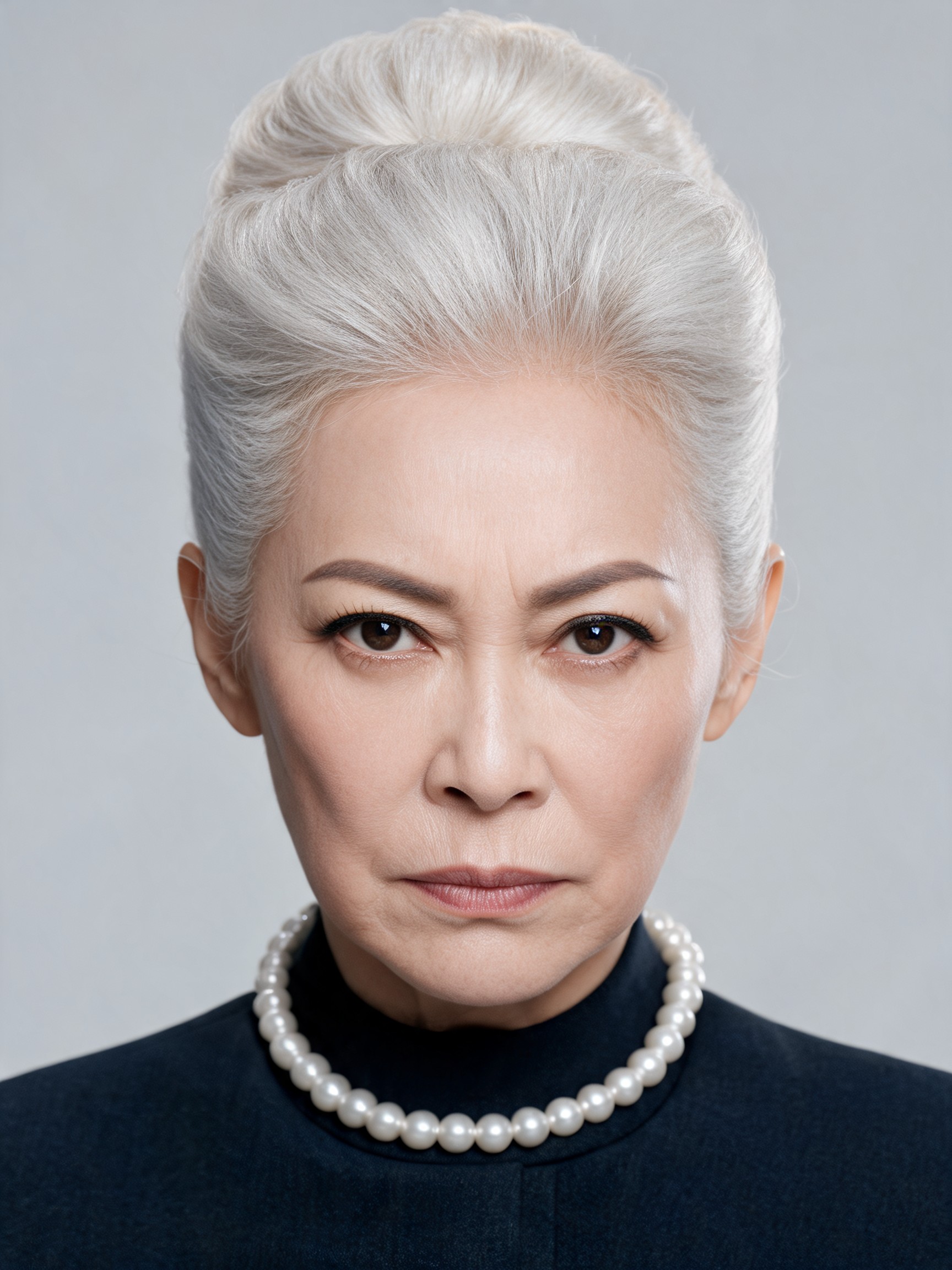
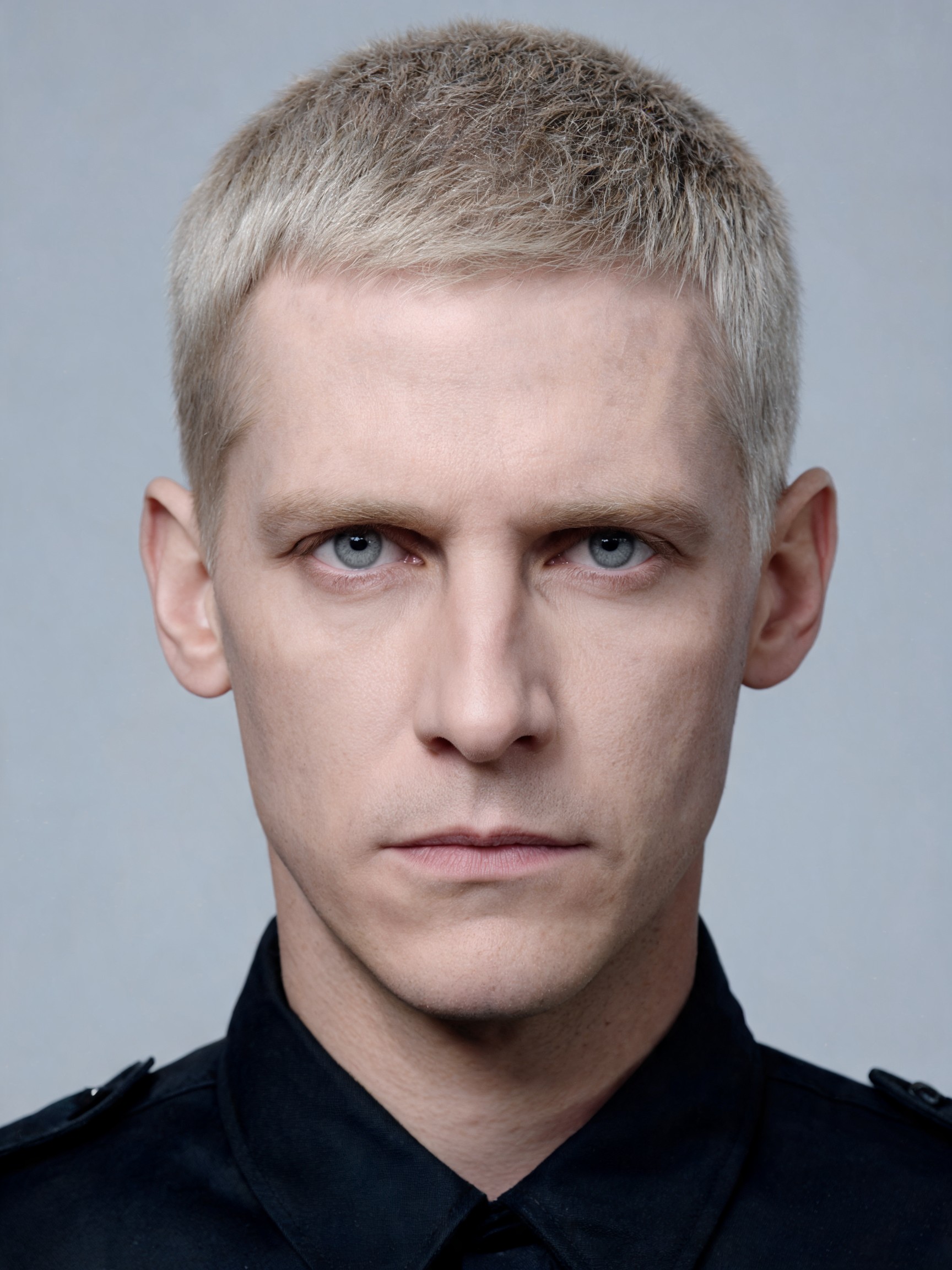
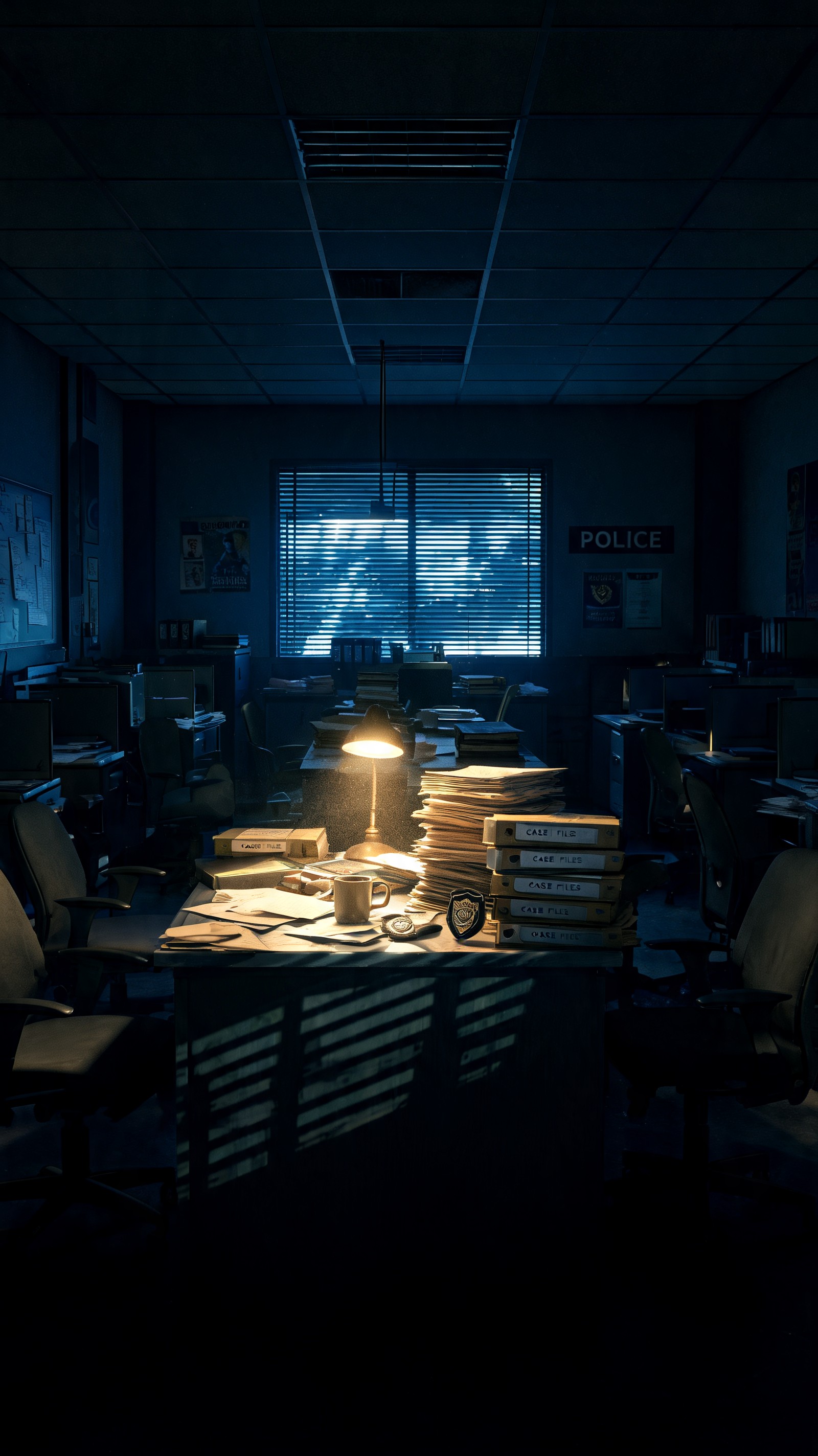
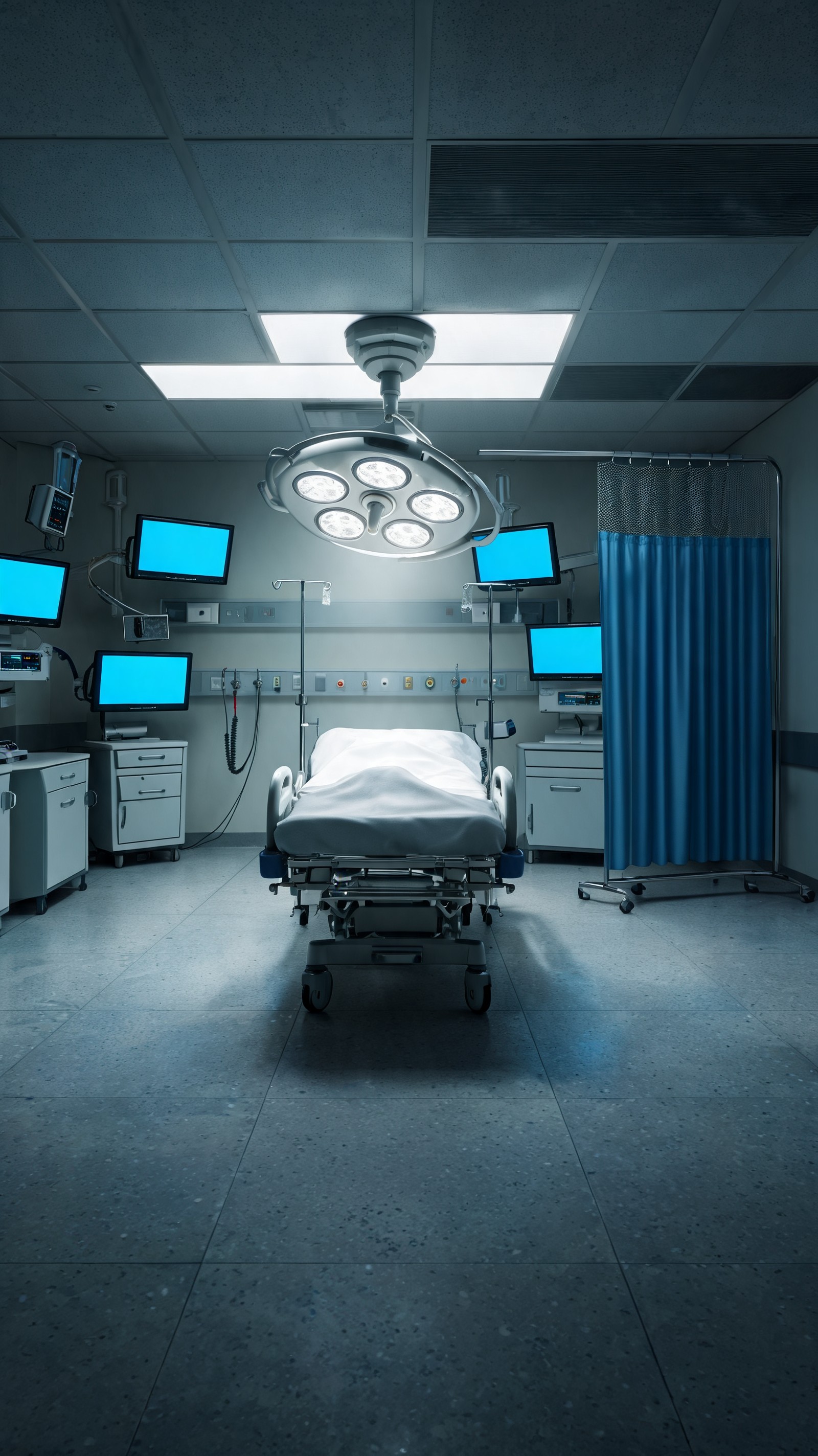
Drop in up to three characters with outfits, props and a voice style, and a set. The library is sorted by genre, so a courtroom cast is one tap away.
- 04
Render the take
Pick a quality tier and a length. Spoken dialogue, sound and a 9:16 frame come back as one episode you can download or publish.
The scene
A hundred words is a whole scene
Present tense, one location, up to three characters, two to four spoken lines in quotes. Say what the room looks like and how fast it moves in a line, then let the people talk. The scene text is the whole prompt: what you write is what renders.
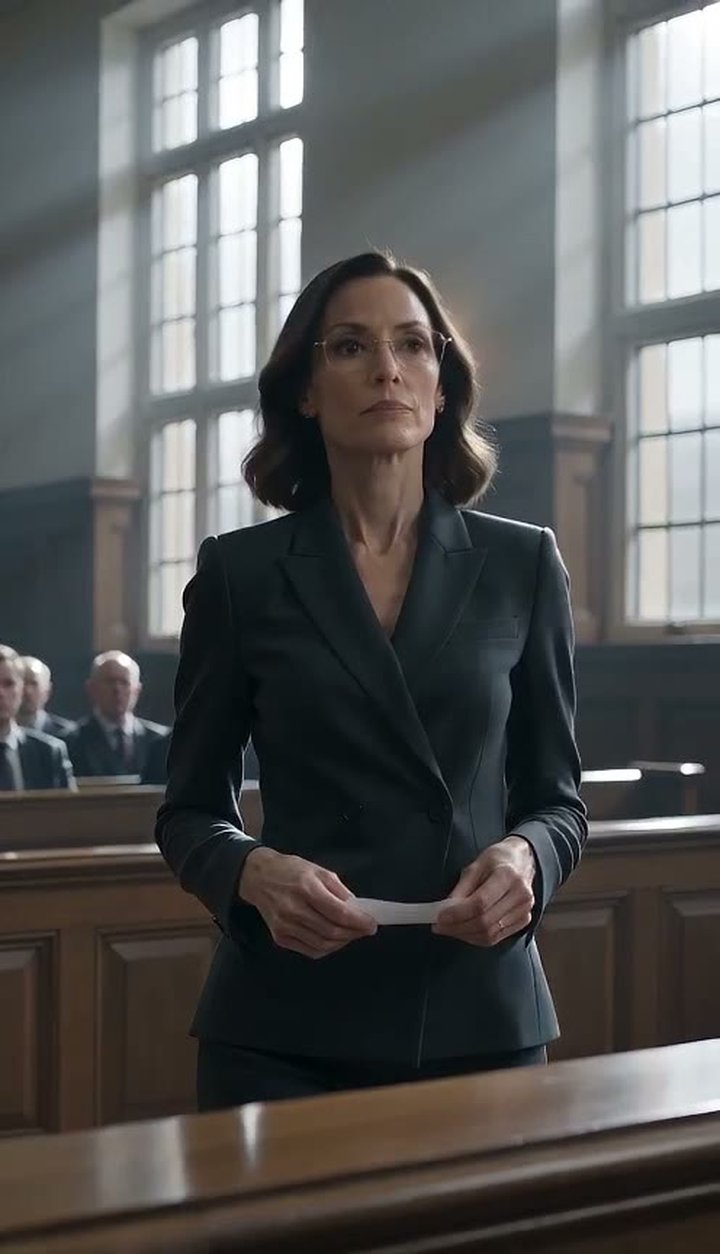
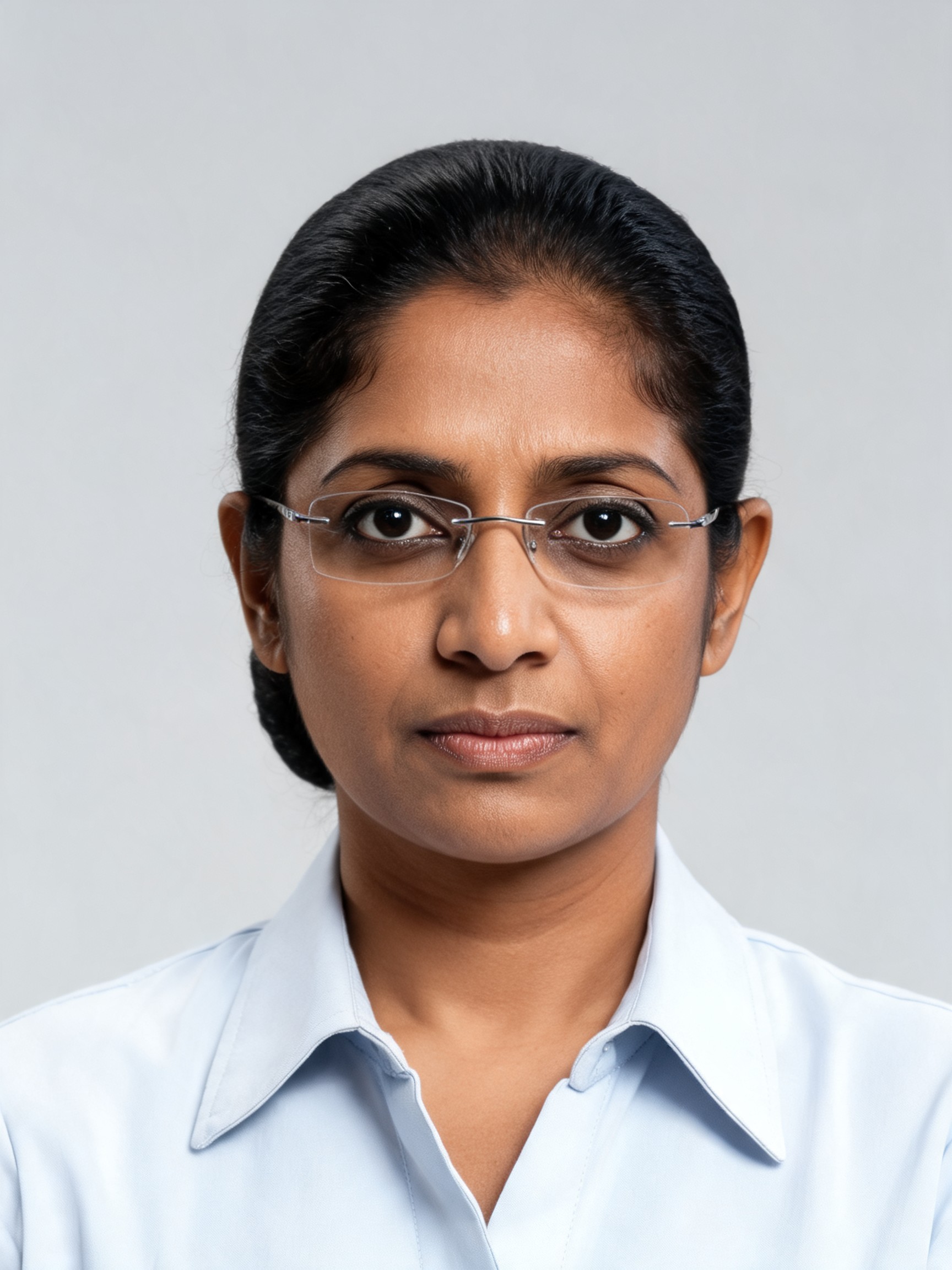
An oak-panelled courtroom, morning light through tall windows. Yusra, 40s, rimless glasses, walks slowly toward the witness stand holding a single sheet of paper. The witness, Caspian, sits composed. "You said you never met him," she says, laying the page on the rail. "This is a dinner receipt. Two covers. Your card." He looks at the page for a long moment and says nothing. She returns to her table.
Rendered from the scene on the left on the Take tier, 480p, with dialogue.
Scene Studio
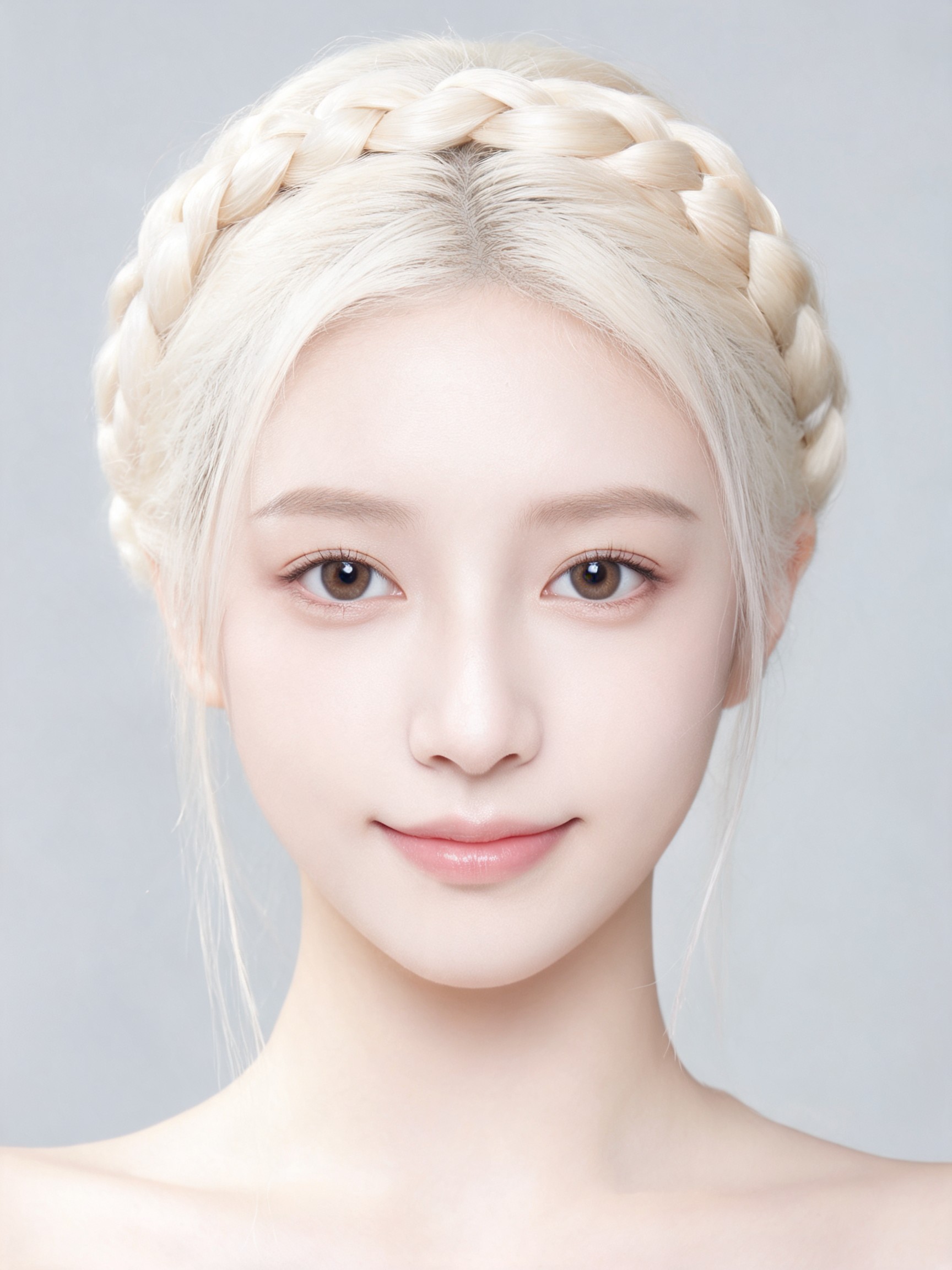
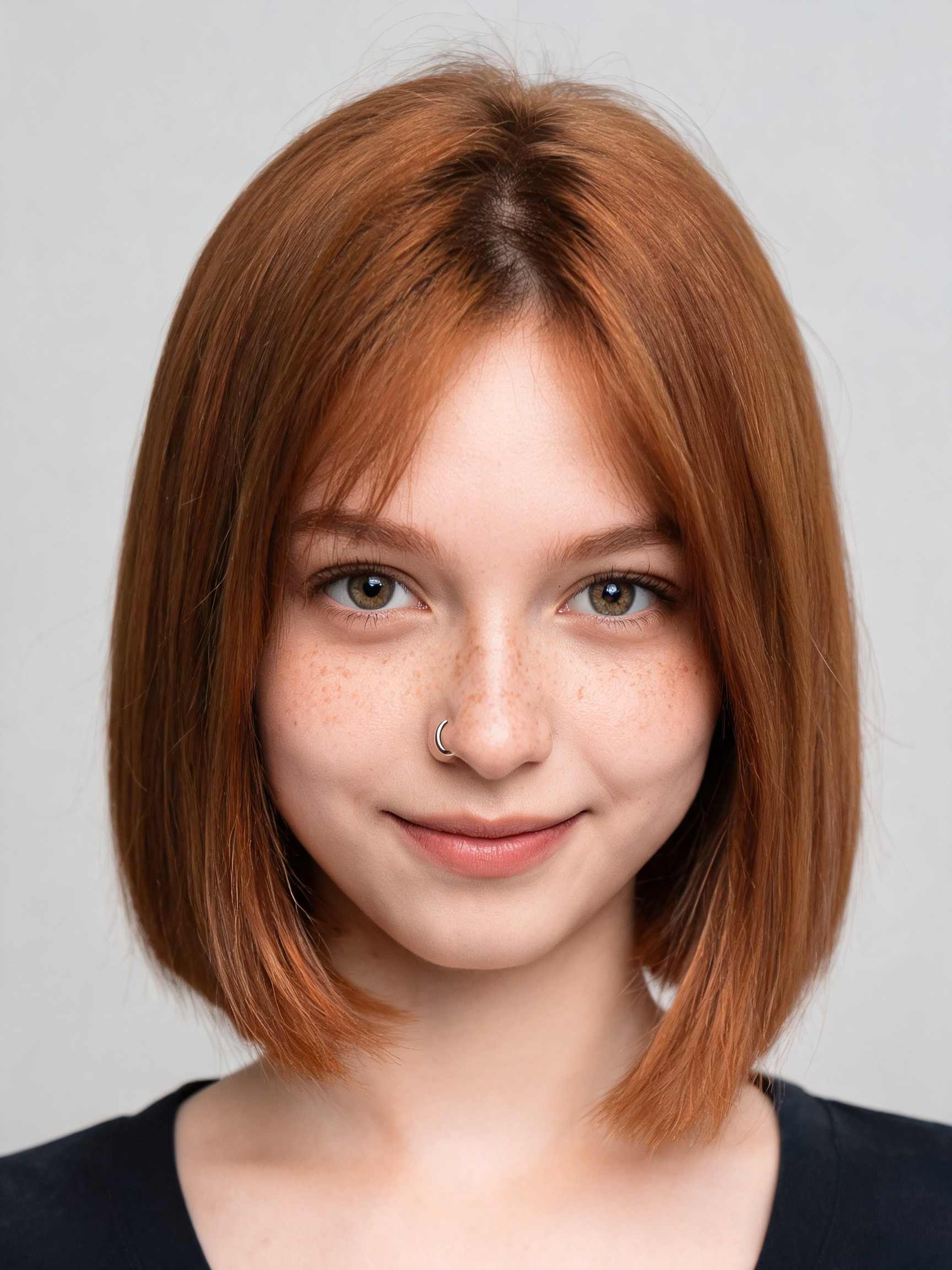
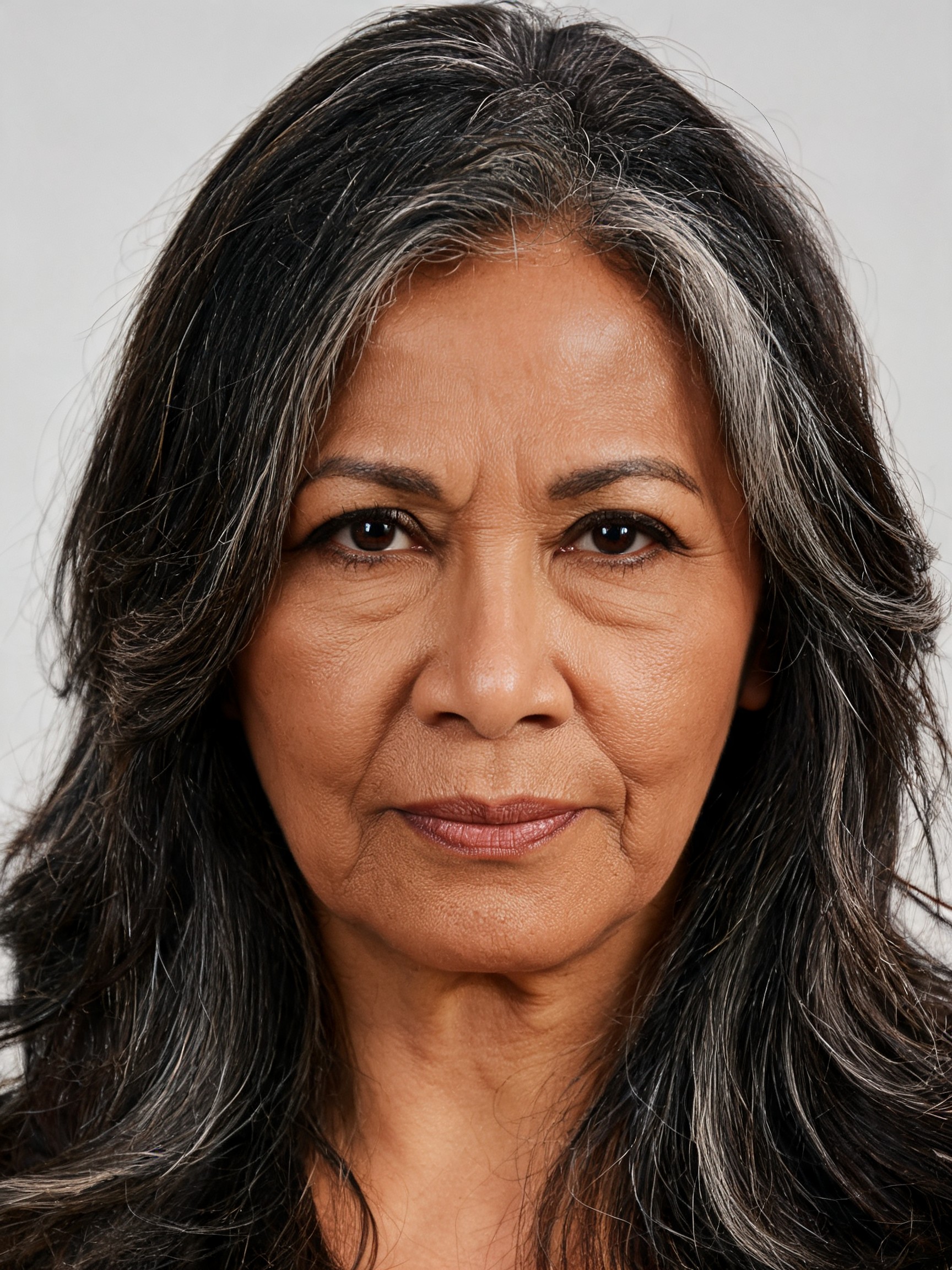
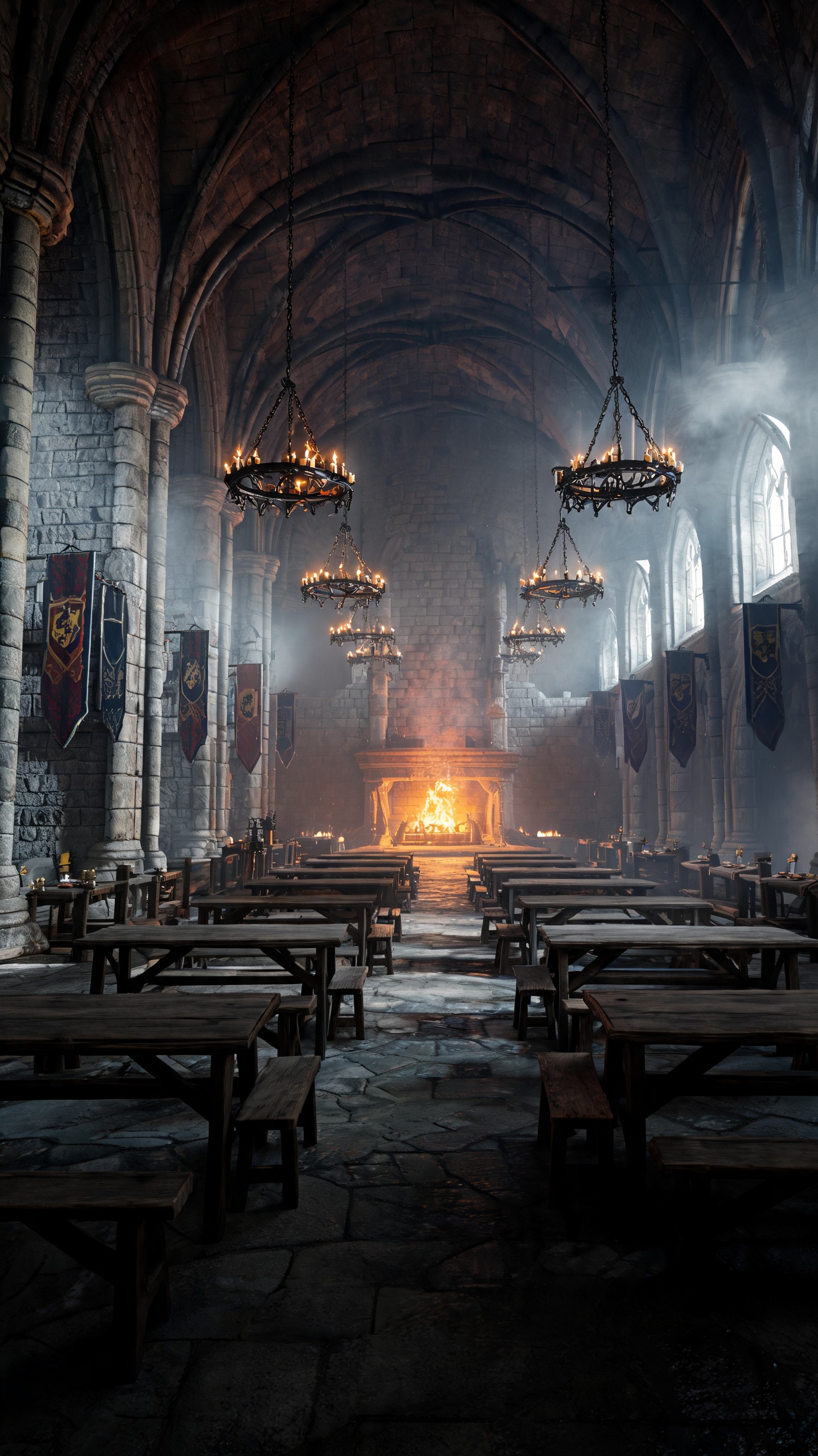
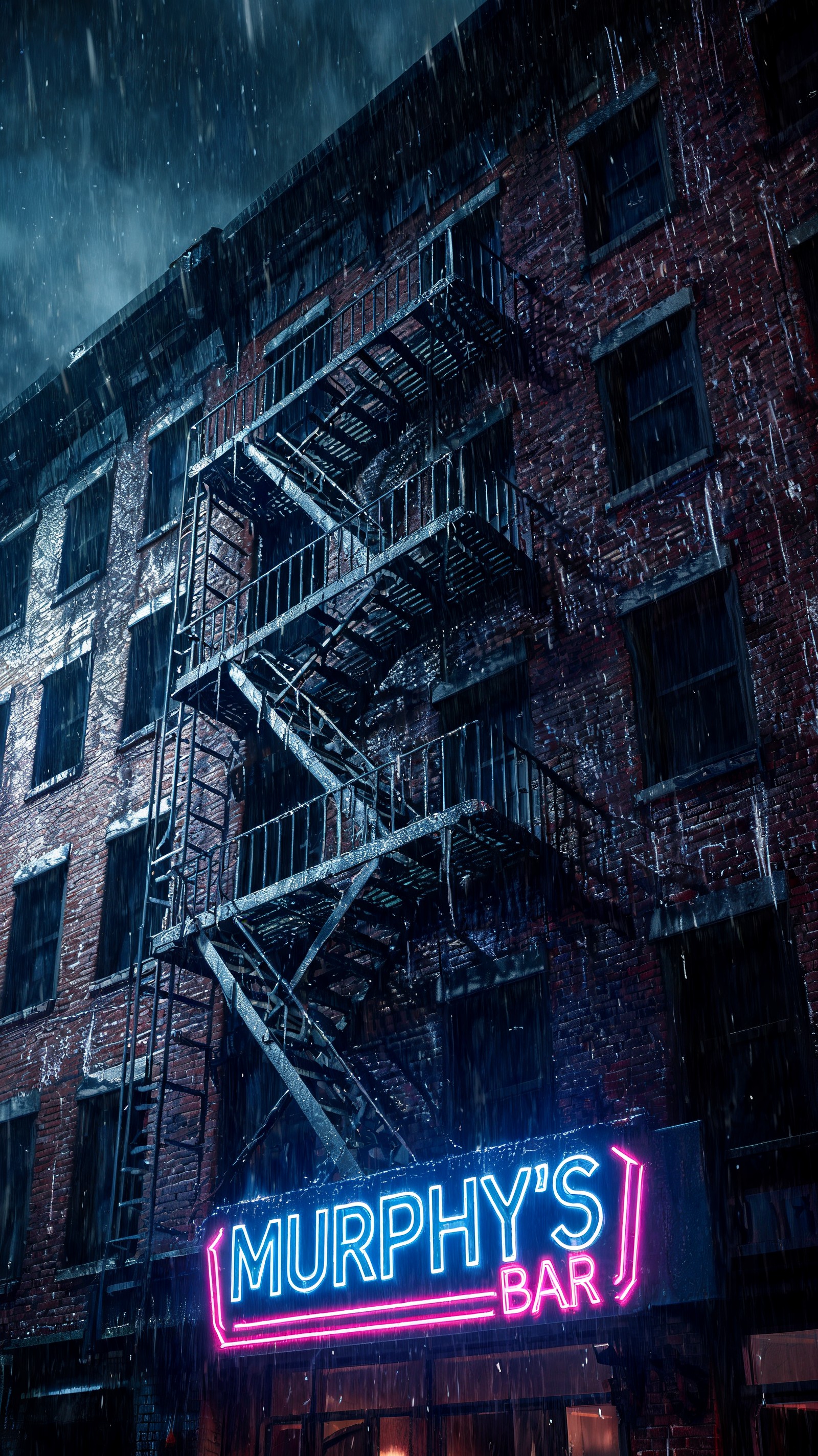
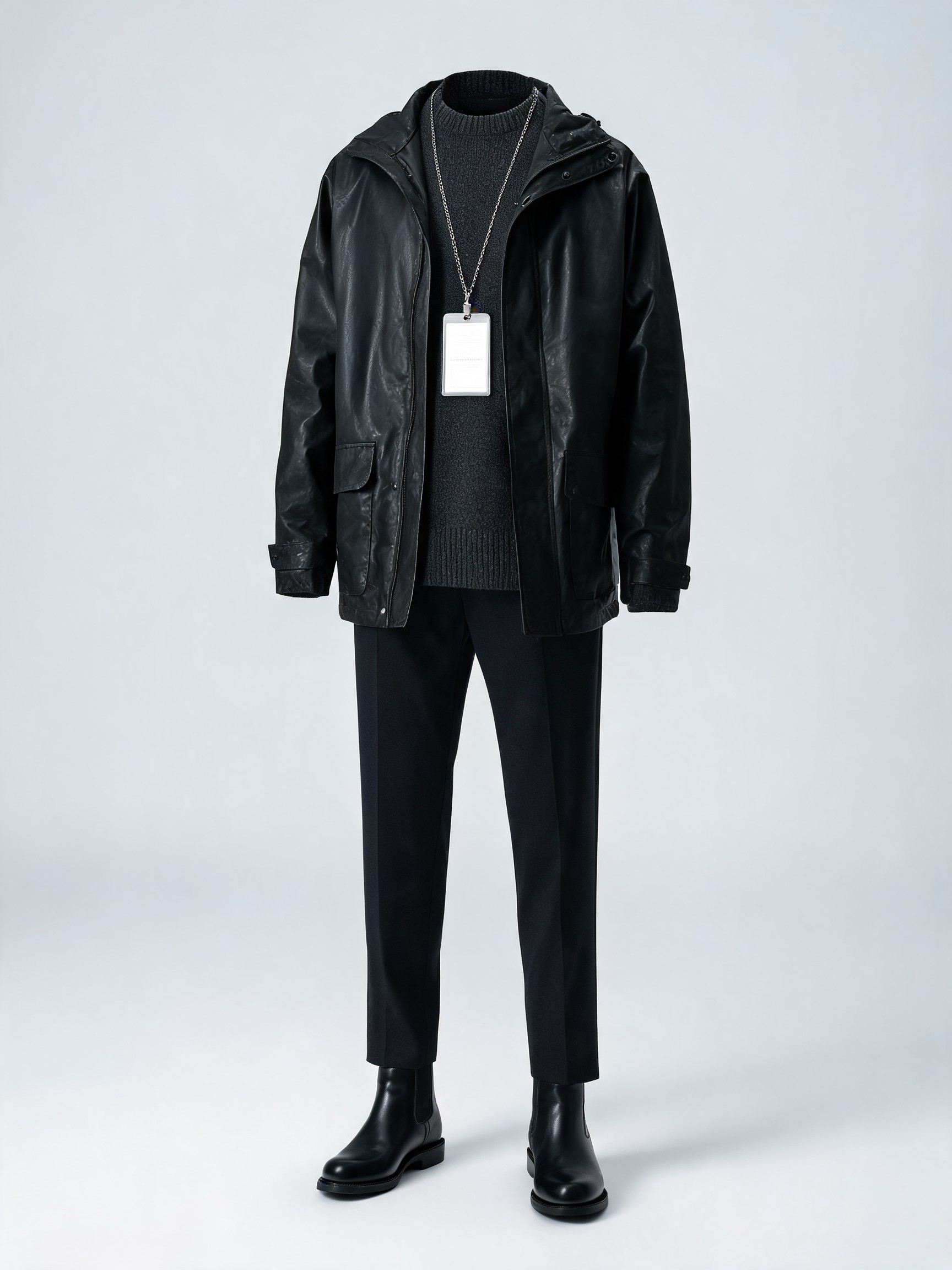
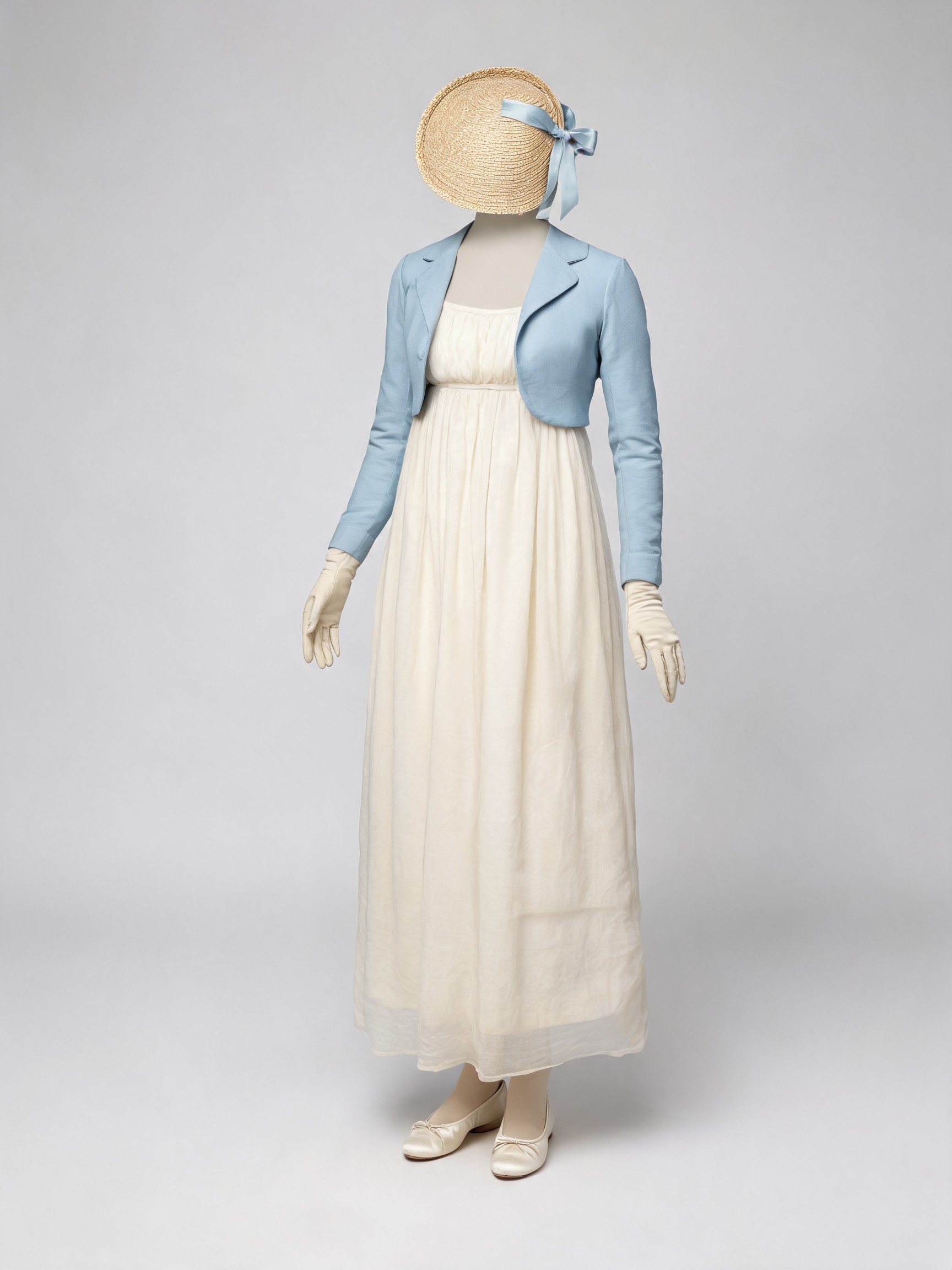
Cast it from the bench
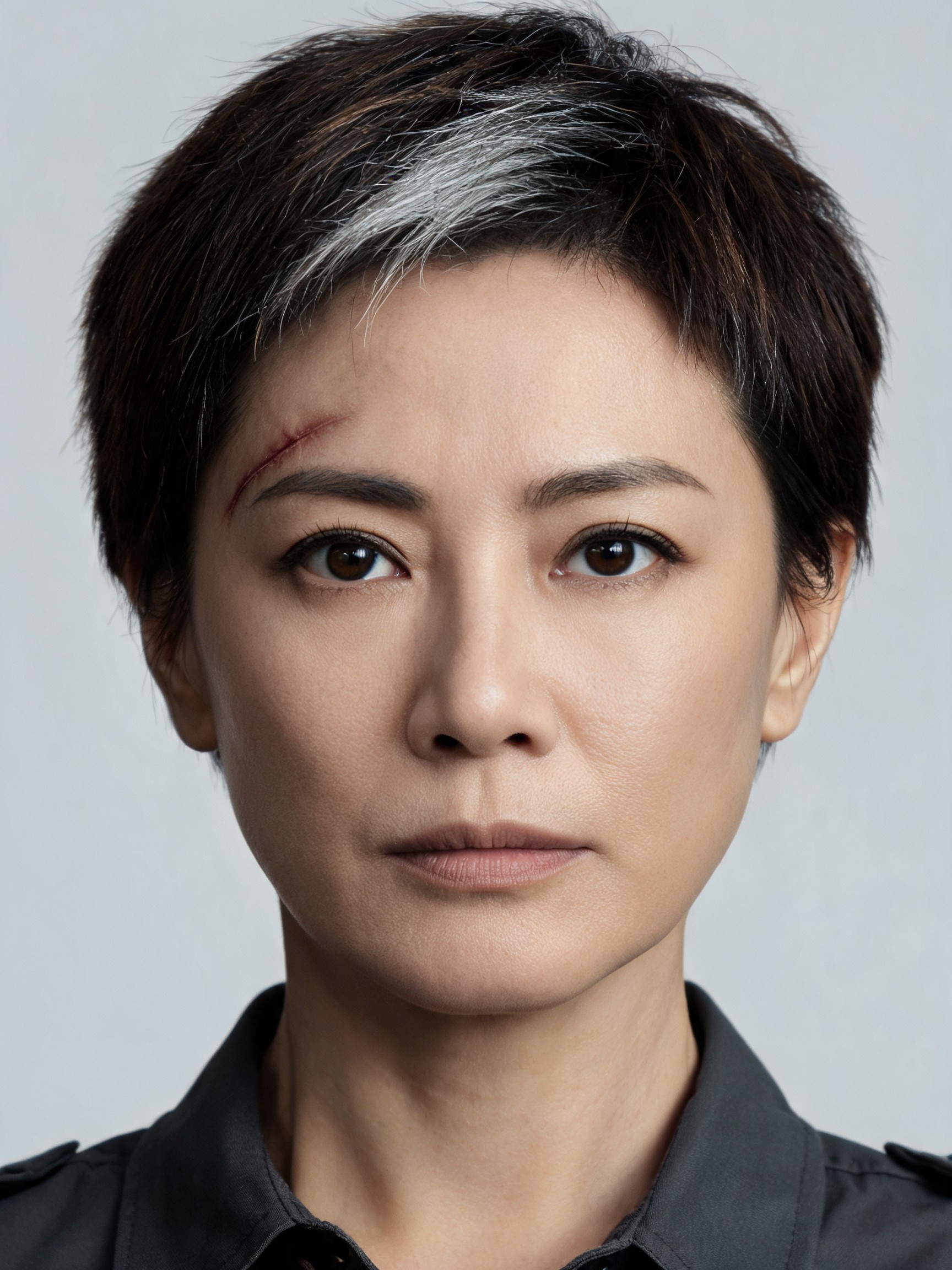
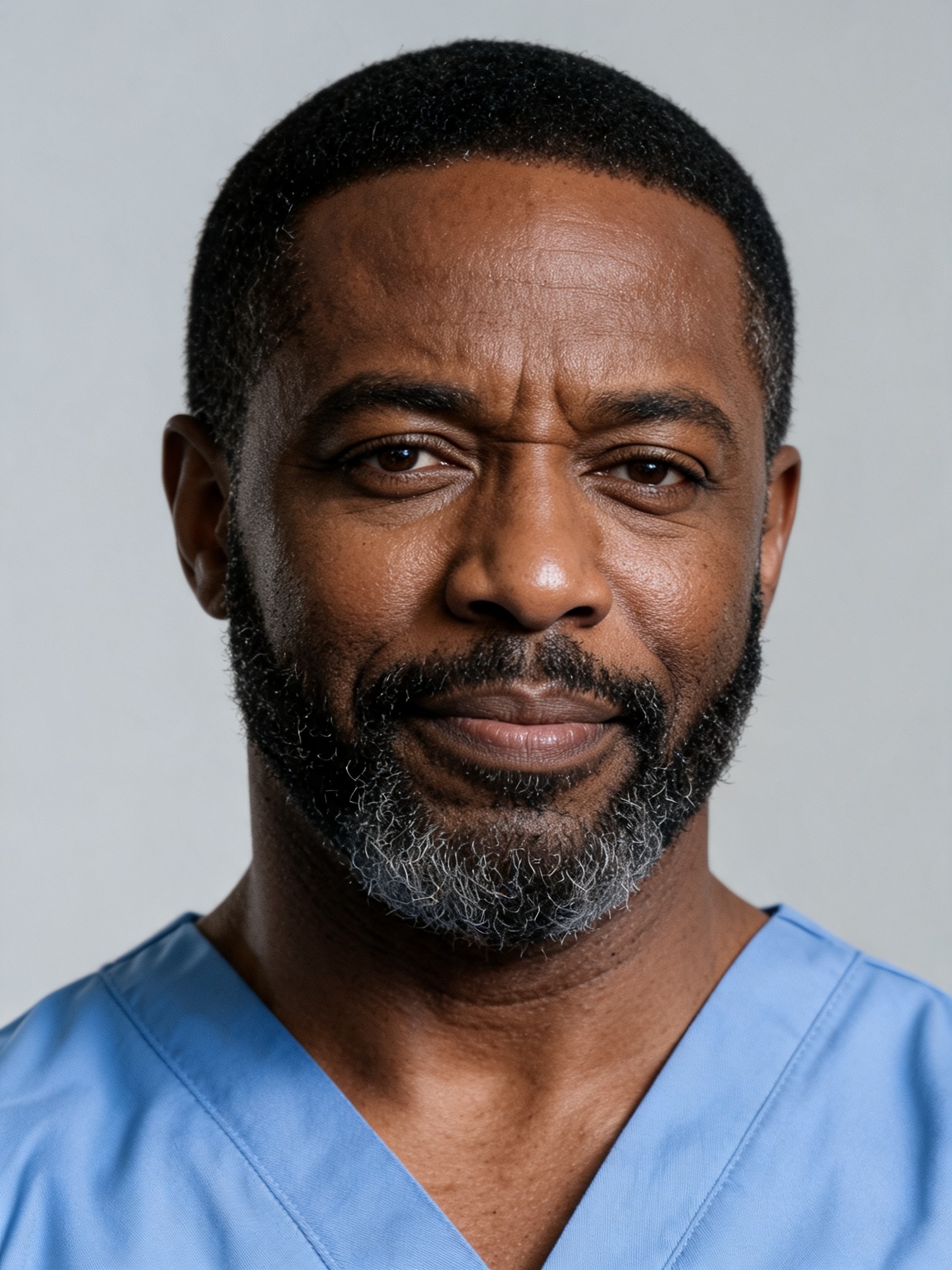
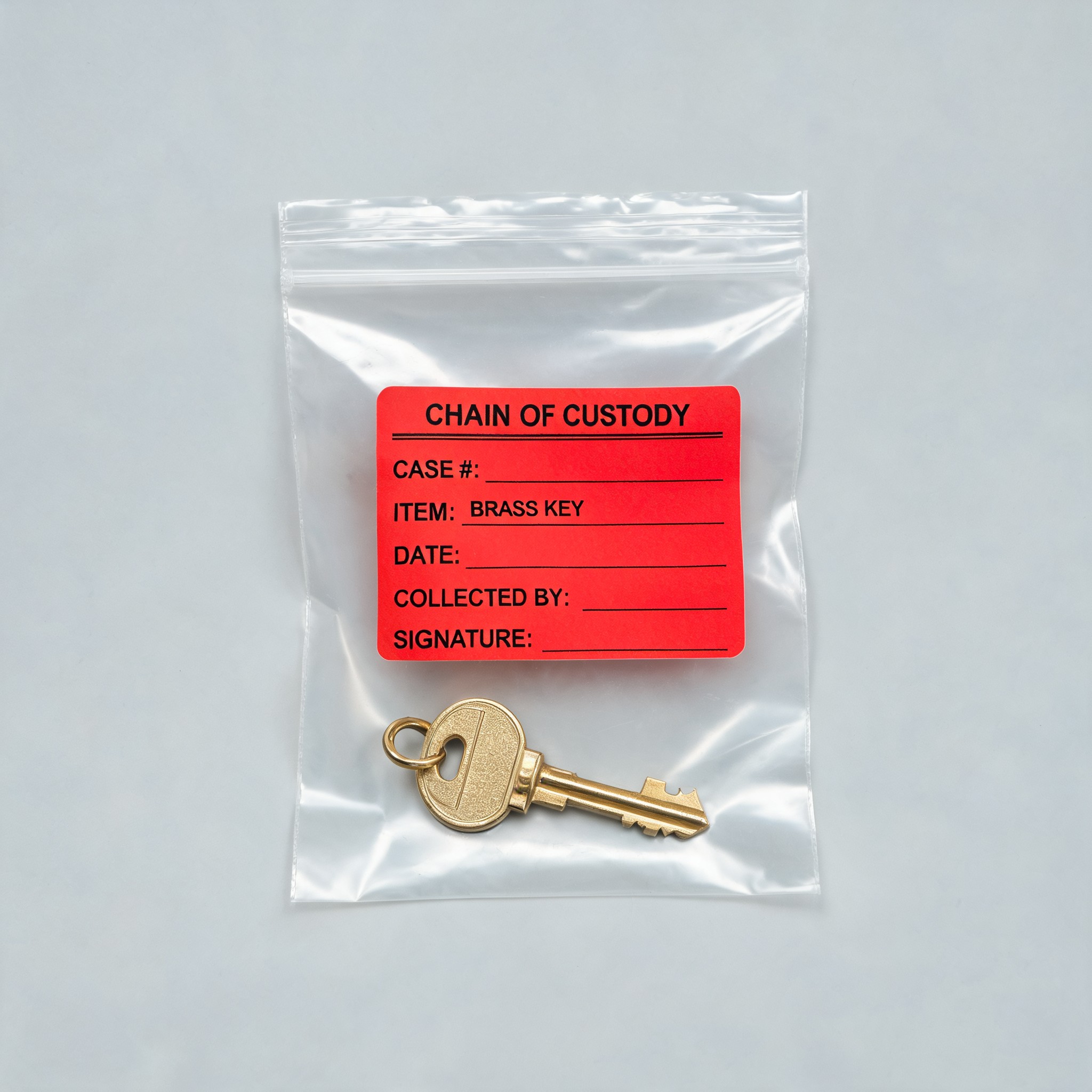
Up to three characters per scene, each with an outfit, a prop and a voice style, plus a set. The library is sorted by genre, so a courtroom cast is one tap away. Describe a new character and a portrait is generated for three credits; outfits, sets and props can also be uploaded, as long as no face is in them.
Render tiers
Three tiers, priced per second
Sketch
1–3 credits / sFast and cheap. Silent, good for testing a premise or blocking a scene before you spend on dialogue.
- Resolution
- 720p or 1080p
- Length
- 2–20 s
Take
3–6 credits / sThe default. Spoken lines, sound, and a cast that stays consistent across shots. Most episodes are made here.
- Resolution
- 480p or 720p
- Length
- 4–15 s
Final cut
6–30 credits / sThe top engine at full resolution. For the take you publish, not the one you are still rewriting.
- Resolution
- 480p to 1080p
- Length
- 4–15 s
Full rate table on the plans page. Library portraits are three credits each.
Your episodes
Yours, private until you say otherwise
Private by default
Every take lands on your shelf unlisted. Nothing is public until you choose to publish it.
A share page when you want one
Publishing gives the episode its own page with the genre, the trope and the scene text it was rendered from.
Download the MP4
Vertical 9:16, with the audio track, ready to post or cut into a longer episode.
Pricing
Pay for seconds, not seats
Credits are spent per second of rendered video. A five-second spoken take at 480p is 15 credits; the sketch tier is one credit a second.
Monthly plans
Credits refill every month.One-time top-ups
Pay once, credits never expire.FAQ
Before you start
What does picking a genre actually change?
Nothing automatic. Each genre page is a writing guide: how that kind of scene is lit, how fast it moves, how the characters speak, what you hear in the background. Each trope under it is a three-beat shape you can write toward. What you put in the scene box is exactly what renders, so a legal scene reads like a courtroom because you wrote the courtroom into it.
Do I have to write the scene myself?
Yes, but only a short one: around a hundred words with one location, up to three characters and a few spoken lines in quotes. Name the light, the pace and the register in a line each; the genre pages give you the words. Only renders and library images use credits.
How long is an episode?
Between 4 and 15 seconds on the spoken-dialogue tiers, and up to 20 seconds on the sketch tier. Most people render one trope beat per take and stack three takes into a short episode.
Who owns the dramas I make?
You do. Episodes you render on Drama Generator are yours to use as you see fit, as described in our terms of service. Copyright rules differ between countries, so if you have a specific commercial question, check with a lawyer where you live.
Can I use a real person's face?
No. Characters are generated in the studio from a written description and cannot be uploaded. Keep people out of outfit, set and prop uploads too: the render engine only accepts faces it generated itself, so an episode using such an upload is blocked and its credits stay spent. That keeps real people out of fictional episodes.
Is it free to try?
Signing in with Google gives you two credits, enough for a short sketch-tier take. After that, the Cast and Crew plans refill monthly and the Scene and Binge bundles never expire.